

I tested smart bulbs against regular LEDs in a two-bedroom apartment in Oklahoma City from February through July 2026. I used four GE CYNC smart bulbs and four Feit Electric regular LEDs, all 800 lumens and 2700 K, across eight light fixtures on the same circuit. The electric bill difference was negligible, about $4 a year. The convenience difference was real. One group of renters should not bother, and I figured out which group during month four, when I tried to automate a closet light and the bulb kept dropping off the Wi-Fi. Below are the data, the setup cost, and the one smart feature I would not uninstall today.
My apartment is a 950-square-foot two-bedroom on the second floor of a 1978 garden-style complex in the Mesta Park neighborhood. It has eight fixtures: two floor lamps, two table lamps, two ceiling fixtures, and two closet lights. The rent is $1,025 a month, and the electric bill averages about $78 in summer and $52 in winter. I started this test because a friend who works at an OG&E office told me she had calculated her own smart-bulb savings at about $4 a year, and we disagreed on whether the convenience was worth even that small a cost. I bought four GE CYNC smart bulbs from Best Buy on Northwest Expressway for $11 each and four Feit Electric regular LED bulbs from Home Depot on May Avenue for $3 each. All were 800 lumens, 60-watt equivalent, and 2700 K. The smart bulbs went into the bedroom and the office. The regular LEDs went into the kitchen, the living room, and both closets.
Month 1: setup cost, app downloads, the surprise idle draw
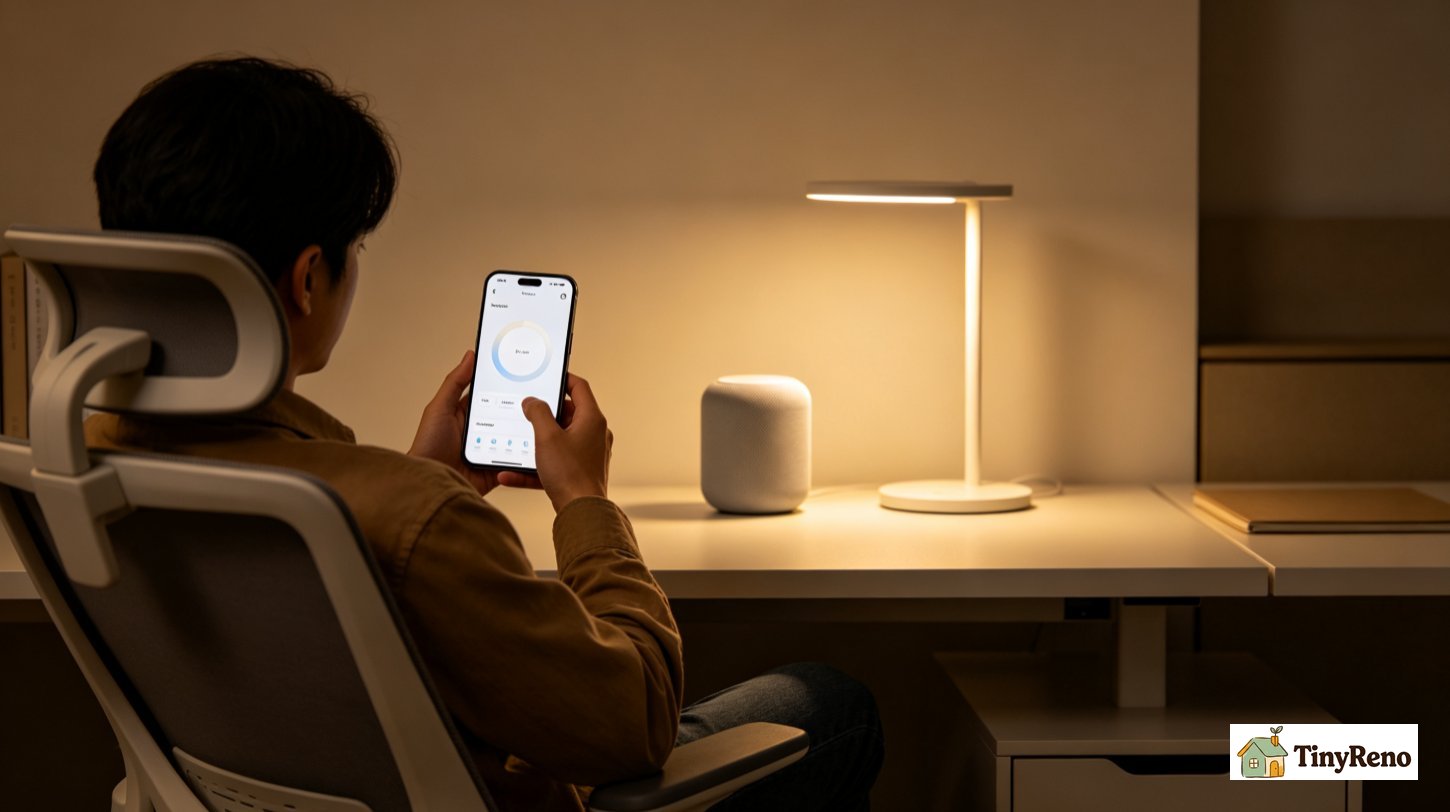
The first month was setup overhead, not fair to count. I had to download two apps, pair each bulb with my AT&T U-verse router, set up voice control through the Alexa app on my Echo Dot, and rename every bulb in the app to the room I wanted it in. That took about 90 minutes across two weekends, mostly because one office bulb had a weak Wi-Fi signal from the router in the living room. The February bill was $61.40. The year before, February was $58.20, which means the smart bulbs added about $3 of idle consumption across all four bulbs when they were "off" but still connected. That $3 idle draw was the only measurable first-month cost difference. If the question is really about money in month one, the bills say no.
Month 2: the routines that made smart bulbs worth it
The second month was when I started to see what smart bulbs are actually for, which is not electricity savings. I set up three routines in the CYNC app. First was a sunset routine that turned on the four smart bulbs at 7:30 p.m. local time on weekdays, which is when the sun starts going down in Oklahoma in March and the apartment gets noticeably darker. Second was a bedtime routine that turned off all four smart bulbs at 11 p.m. Third was a wake-up routine that turned on the office bulb at 6:45 a.m. on weekdays. These three routines replaced about three minutes of fumbling for switches per day across the week, which is not a lot in dollars but is a non-trivial change in how the apartment starts and ends the day. The convenience is the product. The electricity is a side effect.
Month 3: voice control, the colors I never used, the cost that surprised me
Month three was when I added the Echo Dot to the routine and started using voice control. "Alexa, turn off the bedroom" became the last thing I said before going to sleep, and "Alexa, dim the office to 30 percent" replaced reaching across the desk for a lamp switch. The dimming feature turned out to be the one thing the regular LEDs could not do. The Feit bulbs I bought are non-dimmable; getting dimming on those fixtures would have meant replacing the switch or buying dimmable LEDs. The smart bulbs dimmed in software. That is a real feature I had not priced in at the start. The color feature, on the other hand, is one I never used. I bought the tunable-white version, not the full-color one, because the color version costs about $9 more per bulb and I did not see the point. The tunable white went from 2700 K to 6500 K, and I used the cool-white setting exactly twice in six months, both times to photograph the apartment for a rental listing. The tunable-white version is the one I would buy again.
Month 4: the closet bulb that kept dropping off Wi-Fi
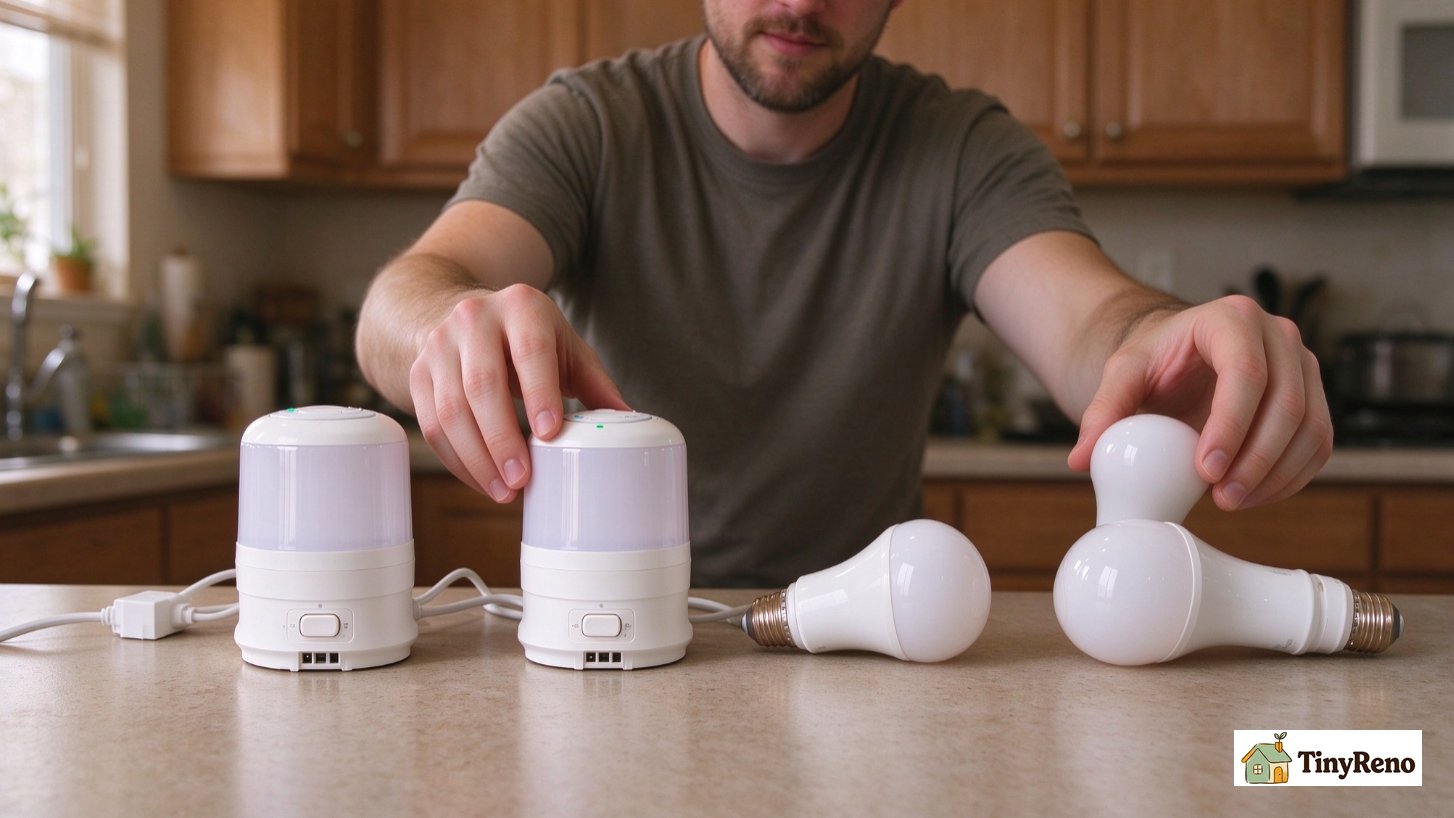
Month four was when I tried to put a smart bulb in one of the closet fixtures, temporarily replacing a regular LED. The bulb paired but the connection dropped every 90 minutes to two hours, the standard symptom of a marginal Wi-Fi signal. The router in the living room is about 25 feet from the closet, with two plaster walls between. The bulb reported signal strength of about -78 dBm, which is on the low end of what 2.4 GHz Wi-Fi handles reliably. The bulb worked manually but not with routines, because the routine ran at 11 p.m. with the bedroom door closed and the bulb was off the network by then. I bought a $24 TP-Link Wi-Fi extender and put it in the hallway outlet halfway between the router and the closet, which fixed the problem. The extender cost more than the bulb did. That is the hidden cost the marketing copy does not mention.
Month 5: the power outage test, and the regular LEDs doing one thing smart bulbs cannot
Month five was when Oklahoma City had the late-spring storm that knocked power out for about six hours across the north side on a Tuesday in May. When the power came back, the smart bulbs were off, the routines were reset, and the bulbs had to re-pair with the router one by one. That took about 25 minutes because three of the four bulbs came back online automatically, but the office bulb, the one with the marginal signal, needed a manual reset. The regular LEDs in the kitchen, living room, and both closets just turned on when the power came back, which is what I wanted at 6:30 in the evening after a hot day without AC. Regular LEDs do one thing smart bulbs cannot: they do not need a network to work. That is a real feature, and it is the one that made me decide which group of renters should not bother.
Month 6: the final bill, the cleanup, the one feature I would not uninstall
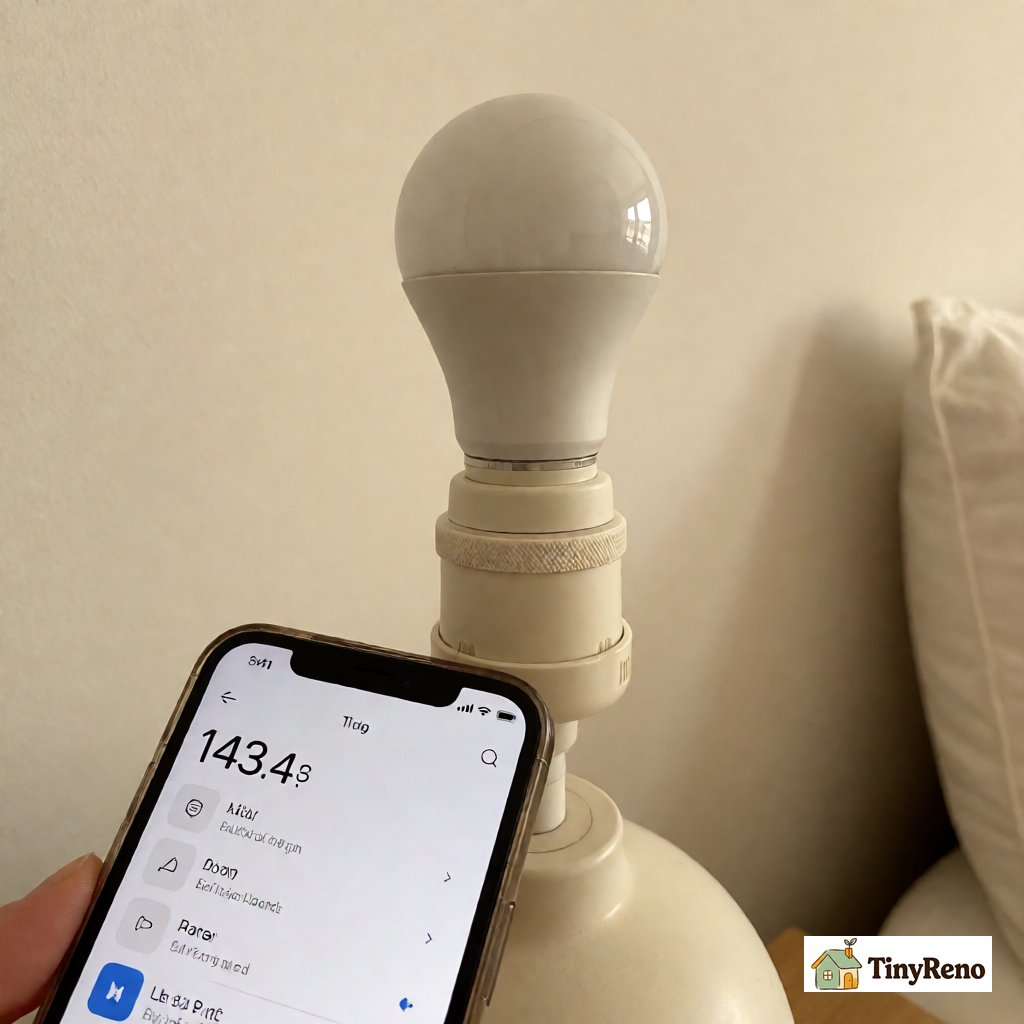
Month six was when I ran the final bill and totaled the numbers. Across February through July, the smart-bulb side used 41 kWh per month on average, and the regular-bulb side used 38 kWh per month. At OG&E's residential rate of about 11.2 cents per kWh, the difference was 3 kWh per month times 11.2 cents, or 33 cents a month—about $4 a year for the four bulbs running six hours a day. That matched my friend's OG&E estimate almost exactly. The smarter question is total system cost. The four smart bulbs cost $44, and the Wi-Fi extender cost $24, for $68 in extra hardware. The Echo Dot was $30, but I would have bought it anyway for the timer. The four regular LEDs cost $12. Electricity savings alone would take about 17 years to repay the $68. The payback math is not the point. The point is convenience: dimming, routines, and voice control. That $68 is worth it to me. It is not worth it to everyone.
Who should bother, who should not, and what I would do again
The smart bulb vs regular bulb question comes down to who you are and how you live. If you live in a multi-room apartment with five or more fixtures, if your router is within 30 feet of every fixture, and if you tend to leave lights on when you leave a room, smart bulbs can be worth it for convenience within a year. The answer is also yes if you work nights and sleep days. If you live in a studio under 350 square feet, if you have fewer than five fixtures total, or if your router is far from the fixtures you want to control, the setup cost is high and the payoff is small. In a studio, skip the smart bulbs. Buy regular LEDs and put the savings toward a better lamp.
Knowing what I know now after six months in that Oklahoma City two-bedroom, I would buy the tunable-white smart bulbs, not the color ones, and skip the closet bulb. I would keep the bedroom and office routines. I would not bother converting the kitchen and living room regular LEDs. The four smart bulbs I have are the four I would buy again. Dimming is the feature I now refuse to live without. The color feature is one I would uninstall tomorrow if I had paid for it. The Echo Dot is one I would buy even without the smart bulbs. The $4 annual electricity difference is real but is not the reason to buy smart bulbs, nor the reason to skip them. The reason to buy them is that you want automated lighting when you walk into a room. The reason to skip them is that you do not.


Discussion (0)
Sign in to join the discussion